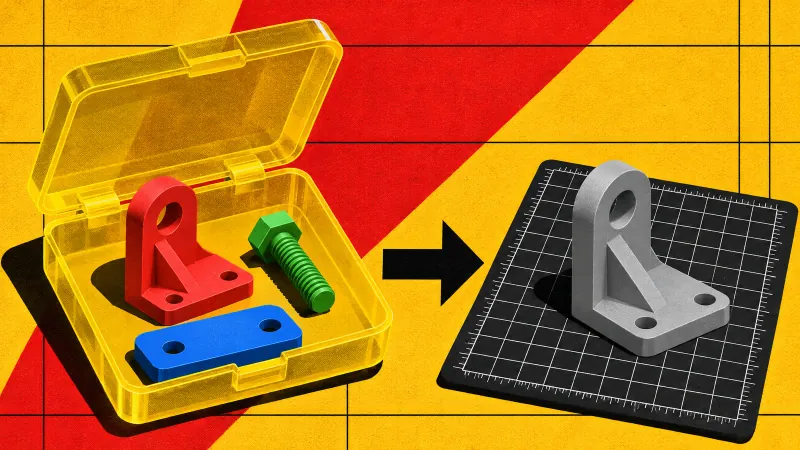
Unpack the container
3MF is a zip with an XML model inside. The reader opens it in the tab and walks the build items.
3MF carries units, parts and print settings. STL carries triangles. Drop a 3MF here and get a plain STL, with a note on what was left behind.
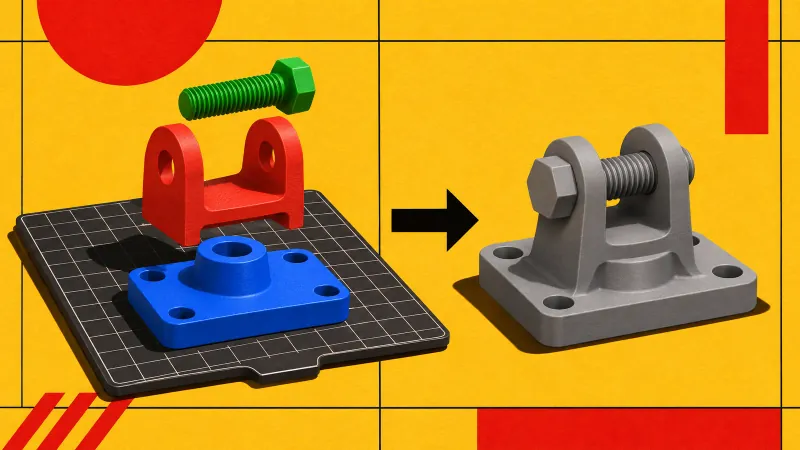
Coordinates are multiplied to millimetres. Leave as they are to keep the source numbers.
Drop a .3mf file here
or drag and drop · free, and nothing leaves your browser
Source unit changed. Convert again to update the file.
Very large models are held in memory while they convert. Close other tabs first.
A 3MF plate carries units, parts and print settings; an STL carries triangles and nothing else. The conversion keeps the geometry and drops the rest.
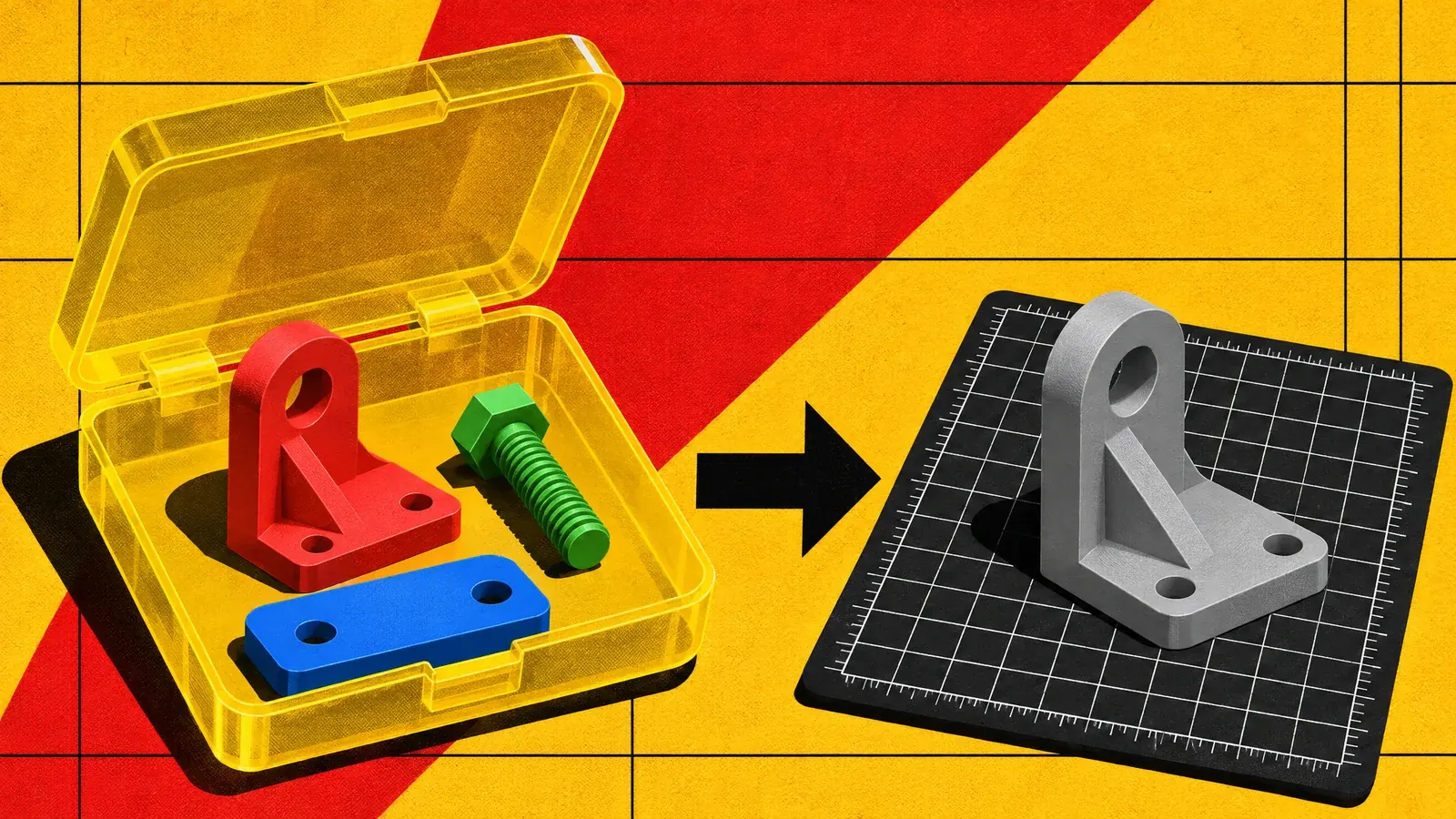
A 3MF plate goes in; a single STL mesh comes out. Build items are merged and the declared unit is baked to millimetres — colour, part names and print settings do not travel.
Convert a 3MF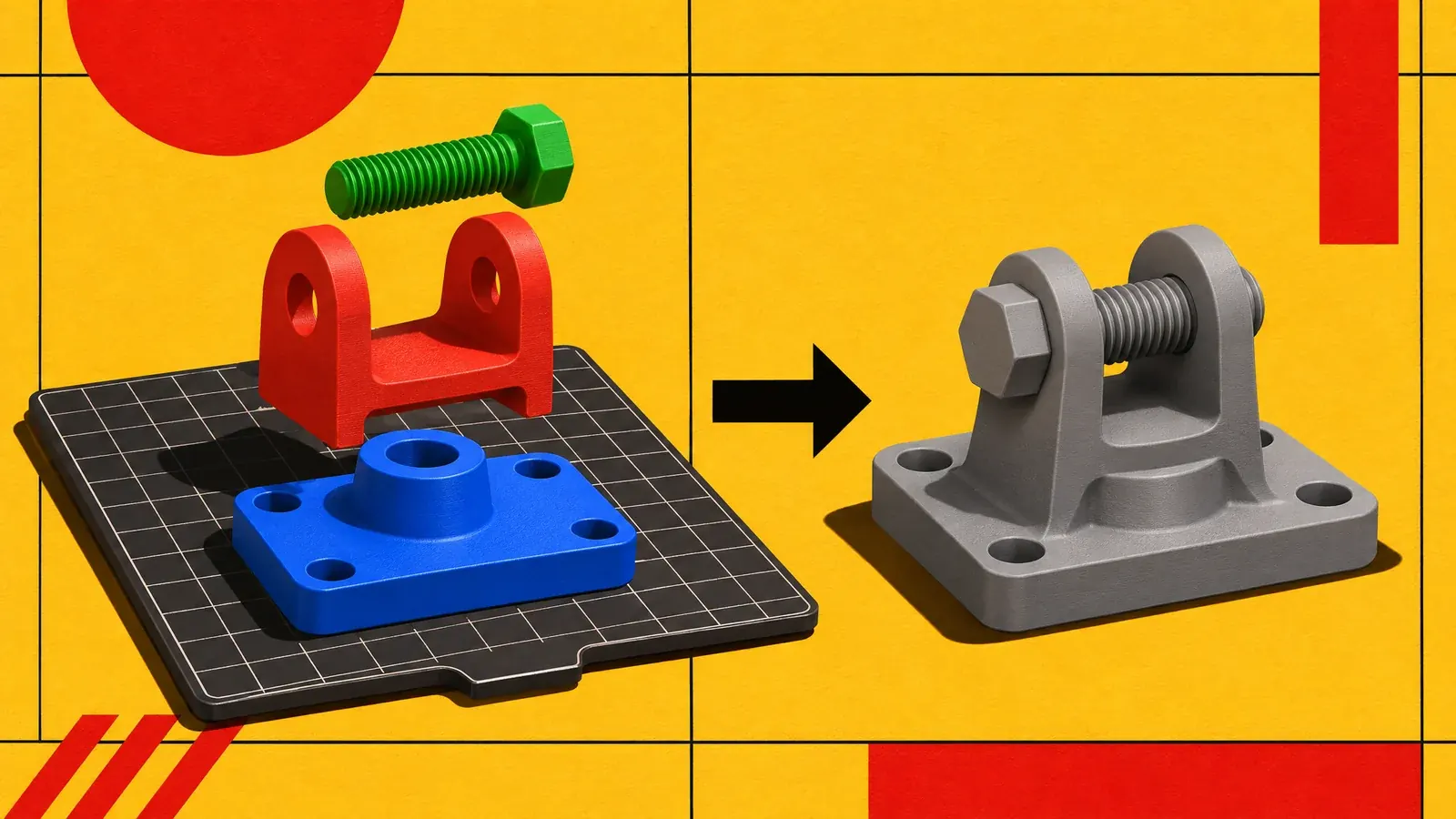
Separate coloured parts and print settings become one grey triangle mesh. It is a narrowing conversion: STL keeps the geometry and drops the container.
Compare the formats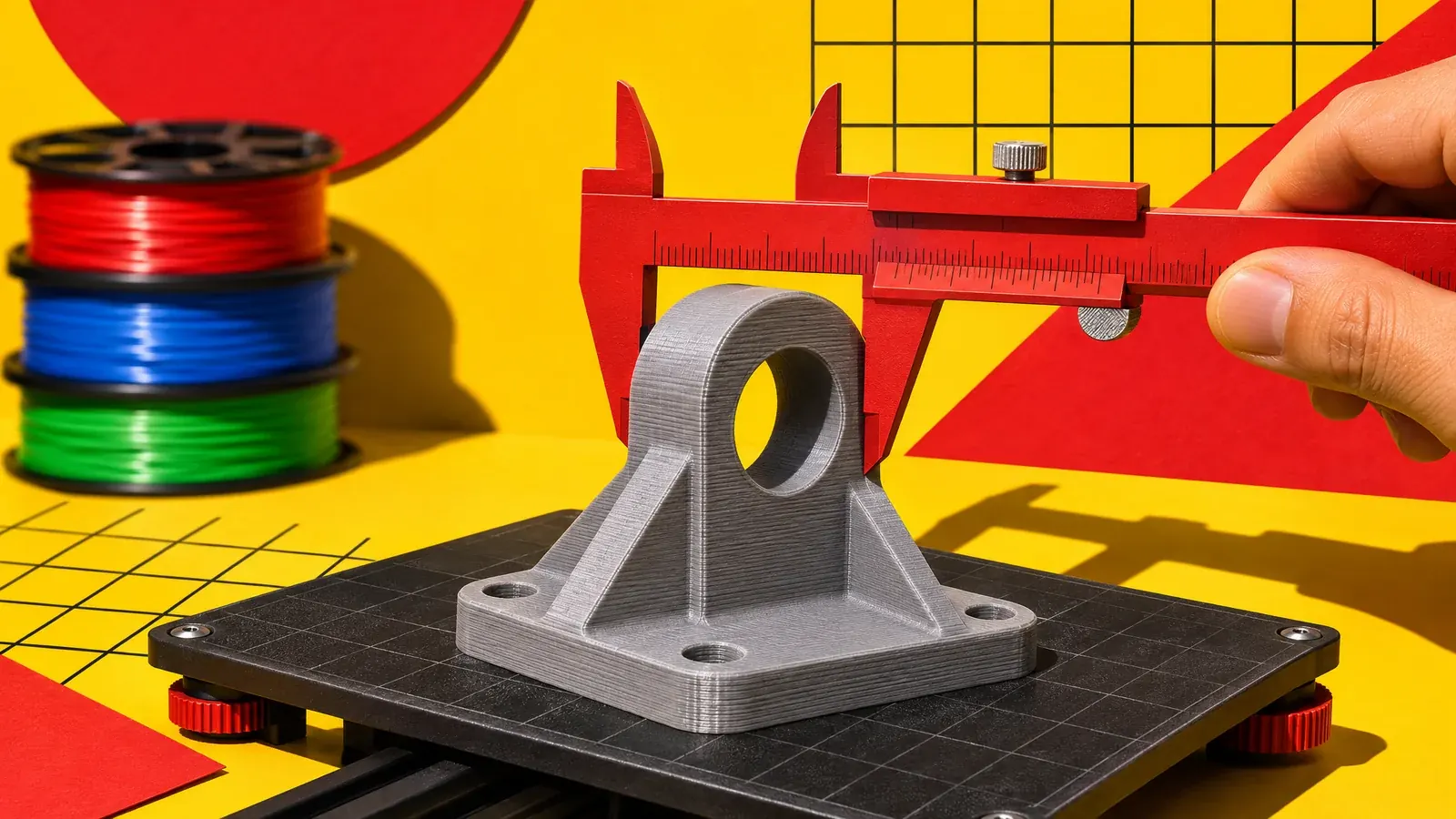
The merged STL lands on a slicer build plate at the right size. Measure a known dimension once, then slice; the print settings have to be re-entered.
Read the 3MF vs STL guide3MF is a zip with an XML model inside. The reader opens it in the tab and walks the build items.
Every object referenced by the build is transformed into place and merged into one mesh. Part names and colours are not carried.
The merged triangles are written as binary STL. The 3MF unit is converted to millimetres; STL then declares nothing, so the numbers are already in mm.
| Property | In the file | Why it matters |
|---|---|---|
| Units | Converted to millimetres | Micron, mm, cm, inch, foot and metre are scaled |
| Parts | Merged | Build items flattened into one mesh |
| Colour | Dropped | No colour in STL |
| Print settings | Dropped | Slicer profile is not part of STL |
| Geometry | Kept | Triangles and coordinates unchanged |
If the print depends on per-part settings, colour or declared units, send the 3MF to the slicer instead of converting it.
A 3MF file is a zip archive. Inside it, an XML model describes objects, their transforms, a declared unit and, optionally, colour and slicer settings. STL predates all of that: it is a flat list of triangles with no unit, no object names and no material slots. Converting between them is a narrowing operation, not a round trip.
That makes 3MF to STL the right move when a downstream tool only accepts STL: an older slicer, a printer's web UI, a mesh editor with a narrow importer. It is the wrong move when the 3MF still carries information you need, such as separate parts, per-part colour or a print profile you intend to reuse.
The 3MF vs STL comparison explains what survives the container change, and the filament cost estimator turns the result into a material budget. The format reference lists the other containers this tool reads.
| Property | 3MF | STL |
|---|---|---|
| Unit | Declared in the file | No field; slicers assume mm |
| Separate parts | Kept as build items | Merged into one triangle list |
| Colour and materials | Can be stored | Not stored |
| Print settings | Can be stored | Not stored |
| Reader support | Modern slicers and tools | Effectively universal |
STL has no unit field. The 3MF declares a unit and this converter scales the geometry to millimetres; the STL keeps those millimetre numbers but not the declaration.
No. The build items are merged into one triangle list. If you need parts, keep the 3MF or split the STL afterwards.
Dropped. STL cannot store either.
No. The 3MF is unzipped and converted in the tab.
No. Triangles are copied with their coordinates after the declared unit is applied. What changes is the container: parts merge and print settings, colour and the unit declaration do not travel.
3MF is a compressed zip of XML; binary STL stores every triangle as 50 bytes with no compression. A larger STL does not mean more geometry, so compare triangle counts instead.